Collection: Wonder Workshop
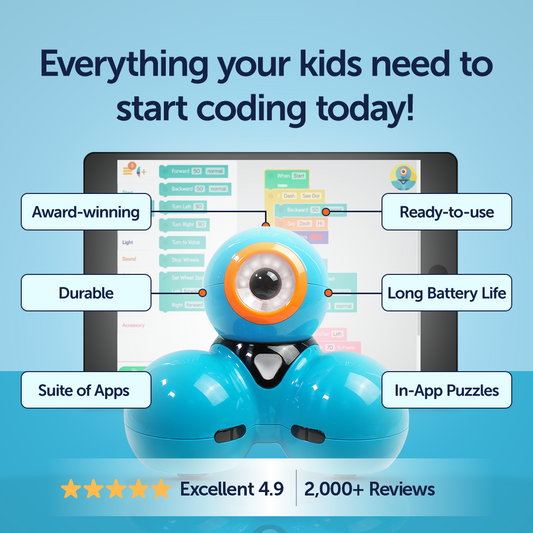
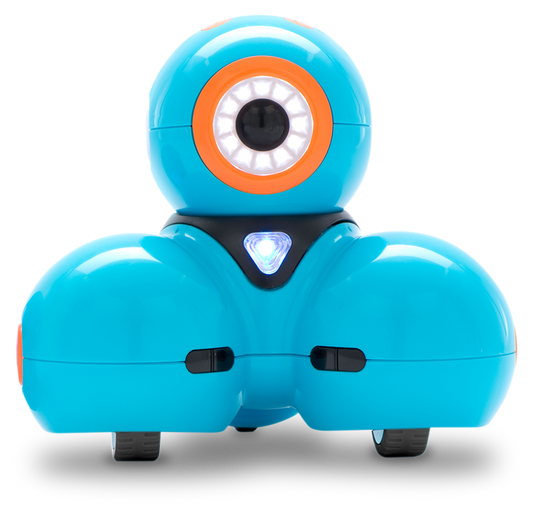
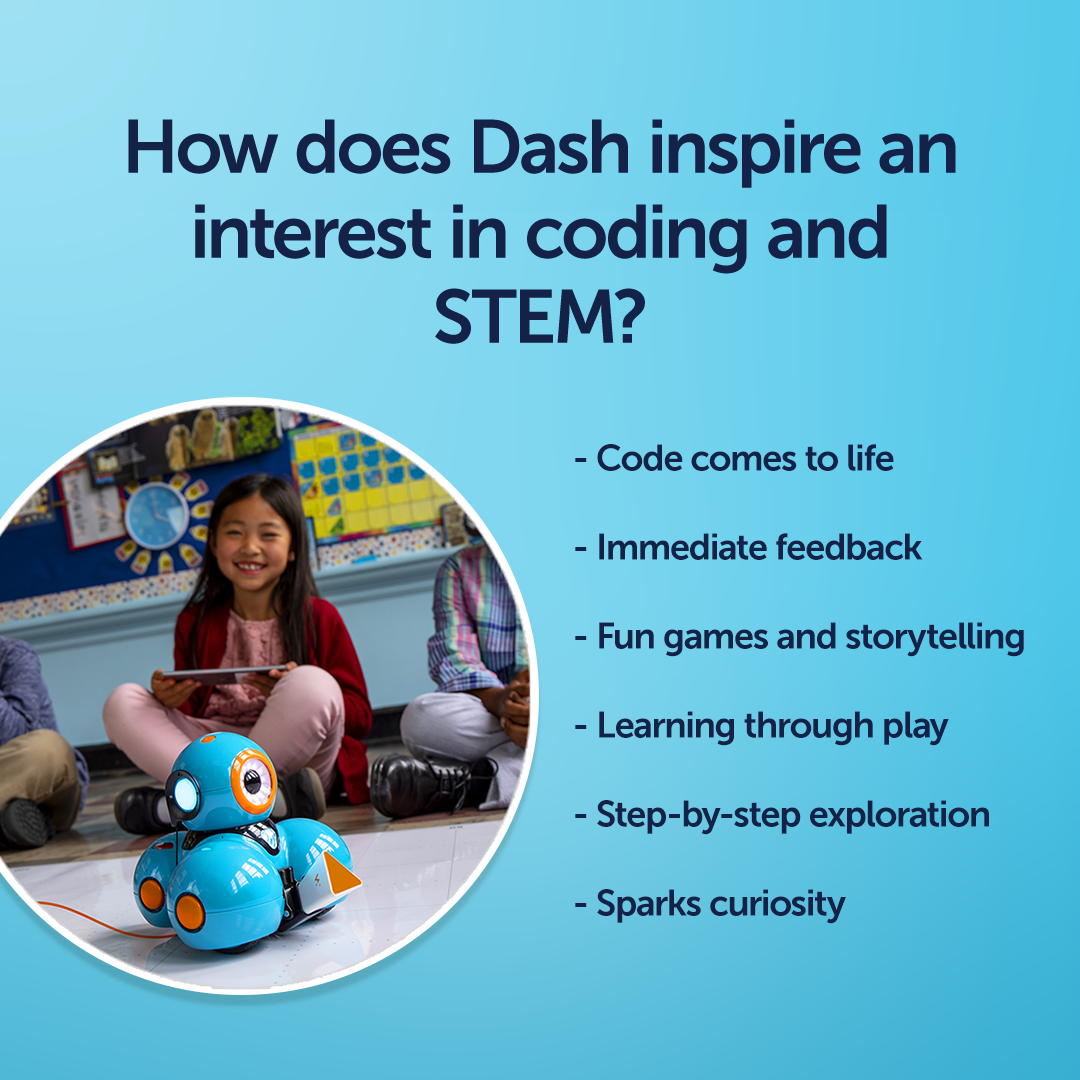
Wonder Workshop's award-winning Dash robot and suite of age-appropriate apps encourage hands-on play and learning to make creative problem-solving concrete and tangible. Our vision is to inspire kids of all ages by giving them tools to imagine and invent the future. Our annual Wonder League Robotics Competition is a great way for kids to dive even deeper into the world of coding and robotics. See how Dash and our learning platform, Make Wonder, can instill a lifelong love of STEM learning in your child.


Dash
Dash
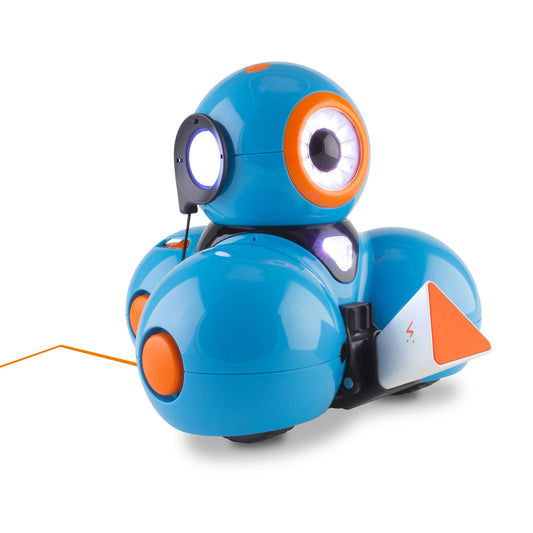
Whether you're buying one standalone Dash, a 12-pack, or Dash in a Make Wonder bundle, we've got you covered.

Accessories
Accessories
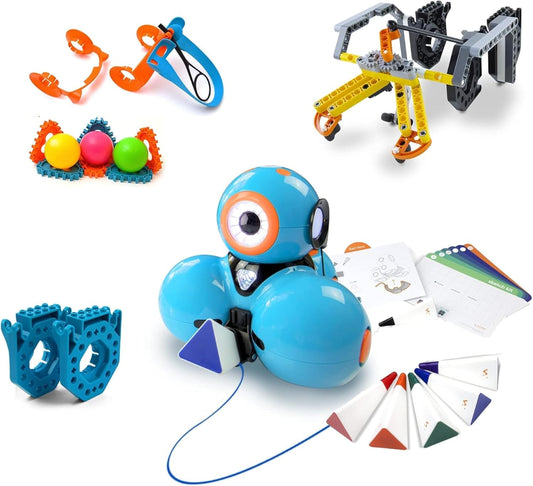
Extend the fun! Enable Dash to draw, carry, and toss. Then the possibilities are endless.

Make Wonder
Make Wonder
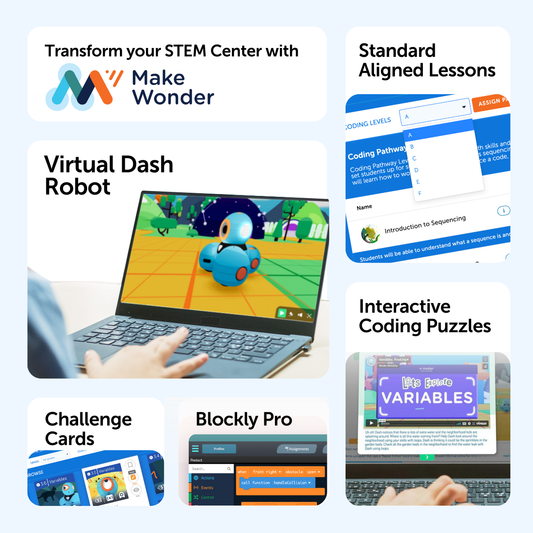
Make Wonder is Wonder Workshop's comprehensive solution for teaching coding and robotics in grades K-8.
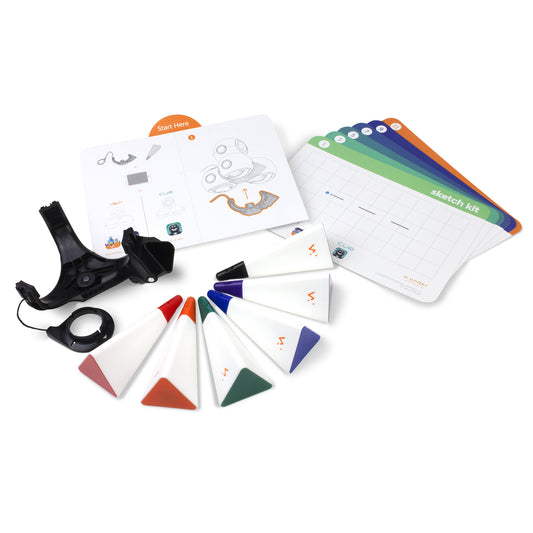
For a Limited Time: Save on Sketch Kit When You Bundle it With Dash.





Dash Getting-Started Guide
Get the lowdown on how to get started with Dash, including a full overview of the Blocks in Blockly, how to power up and charge Dash, how to set up your classroom and track progress through the Blockly puzzles, and more.


Dash + Make Wonder - A Comprehensive Solution
-

Inspire Imaginations Through Hands-On Coding
At Wonder Workshop, our award-winning Dash robot, suite of apps, and Make Wonder platform encourage play and learning to make creative problem-solving concrete and tangible. Our vision is to inspire kids of all ages by giving them tools to imagine and invent the future.
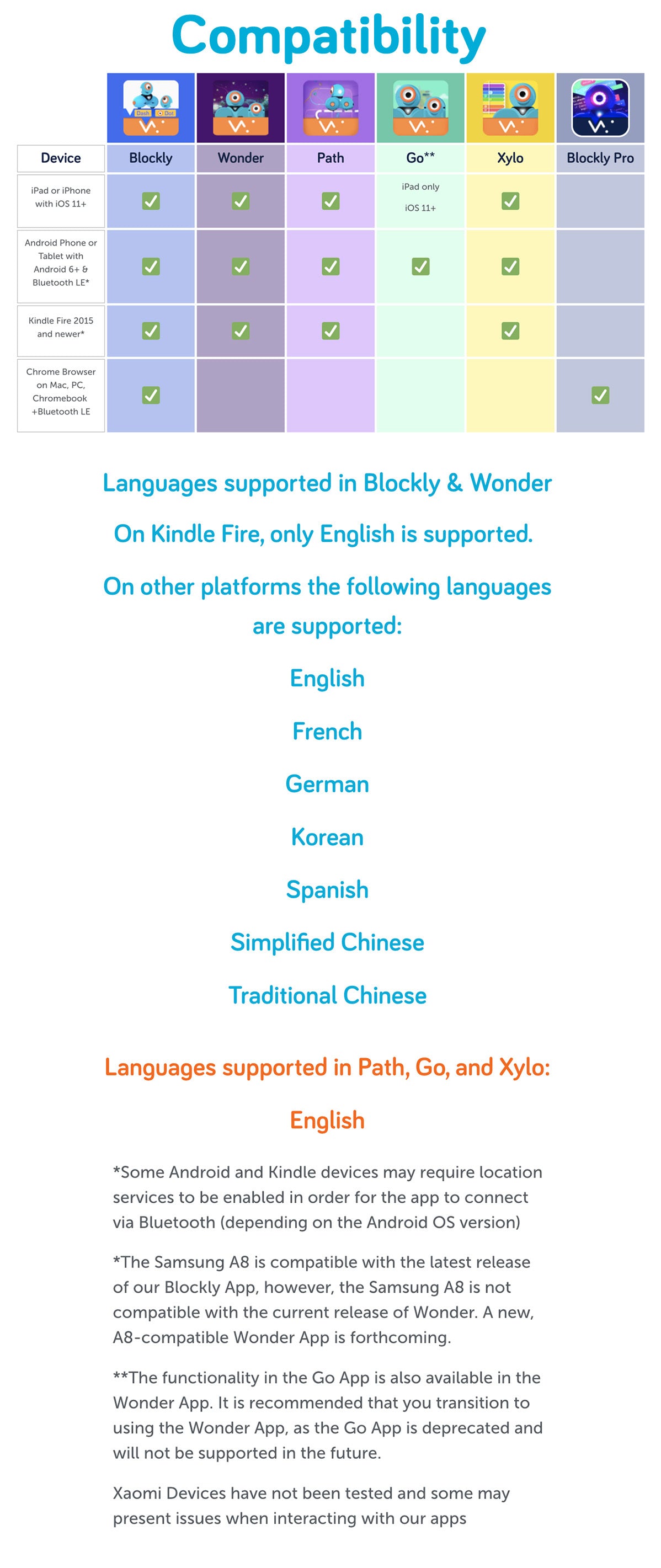
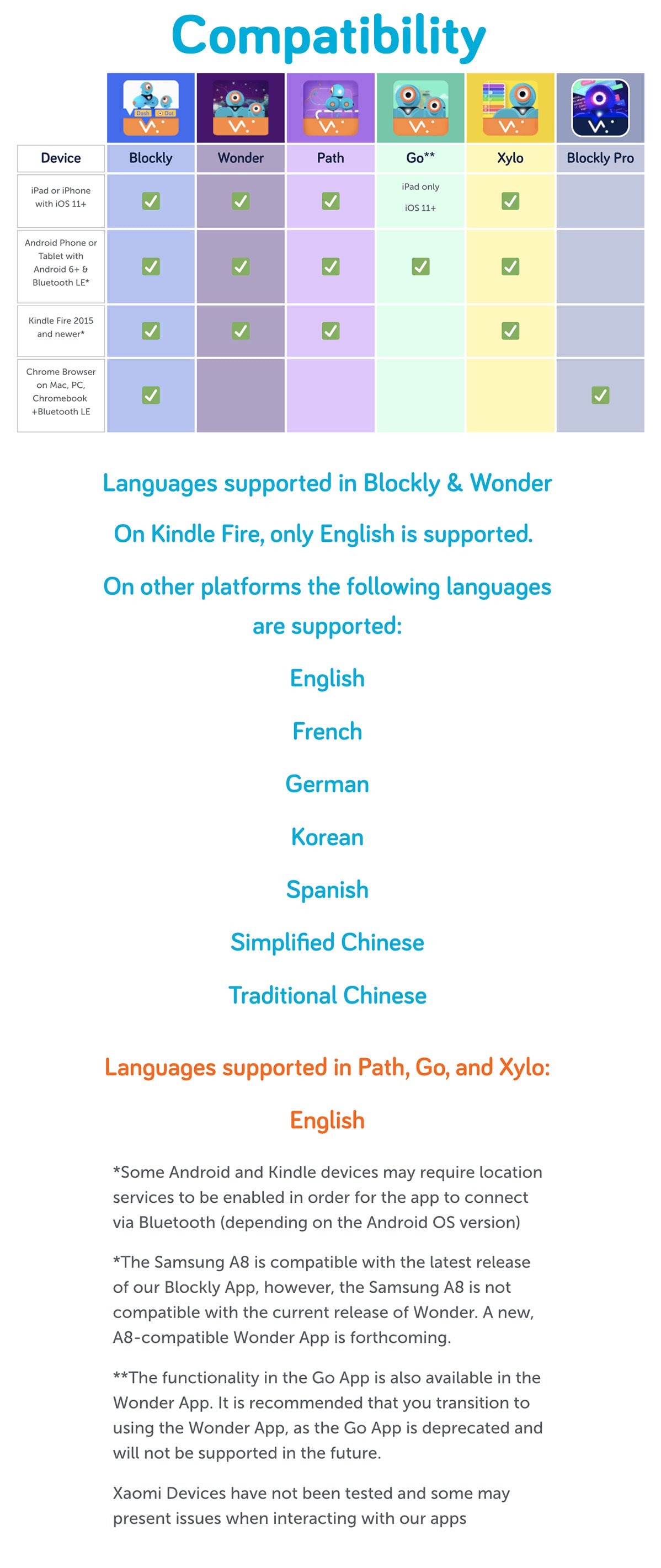
We have an app for every age group, learning style, and play pattern. Learn about Blockly, Wonder, Blockly Pro and more, available on multiple platforms, from iOS devices to Chrome Browsers. -

Make Wonder: A Platform for Teaching Coding K-8
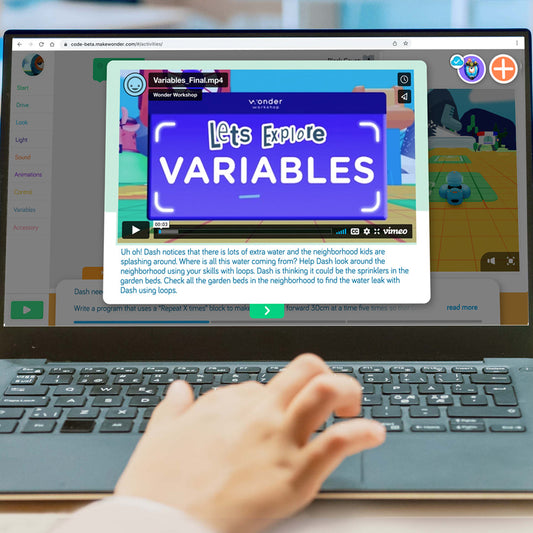
With Make Wonder, teachers can easily create a coding curriculum from pre-built lessons and activities where students embark on coding adventures with Dash the robot in a virtual or real-world setting.
Coding Pathways introduce students to key coding concepts in standards-aligned sequences, transitioning from Blockly coding to JavaScript. There are also Math activities, Science Activities, Challenge Cards, and Puzzles to provide multiple avenues for challenge and adventure.


Make Wonder Bundles for Education
-
Make Wonder STEM Center with Dash
Regular price From $2,195.00 USDRegular priceUnit price per -
Make Wonder STEM Center Starter Suite
Regular price From $1,995.00 USDRegular priceUnit price per -
Make Wonder STEM Center Suite
Regular price From $2,995.00 USDRegular priceUnit price per -
Make Wonder STEM School Suite
Regular price From $3,995.00 USDRegular priceUnit price per


Wonder League Robotics Competition
Each year, coaches from around the world inspire an early love of coding, computer science, and STEAM education by coaching students who are participating in the Wonder League Robotics Competition.
Through a series of story-based missions, teams develop problem-solving skills, a growth mindset, and tap into their creativity all while learning to code.
This unique competition highlights the amazing role robotics and coding play in solving real-world problems, and prepares your child or student for the jobs of tomorrow.
The Wonder League Robotics Competition has reached over 90,000 kids in 65 countries and counting!
All Wonder Workshop Products
-
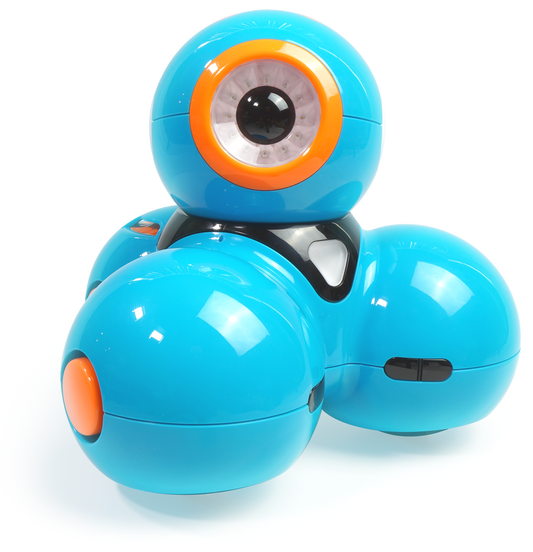
Dash Robot
Regular price $189.99 USDRegular priceUnit price per -
Wonder Pack
Regular price $289.99 USDRegular priceUnit price per -
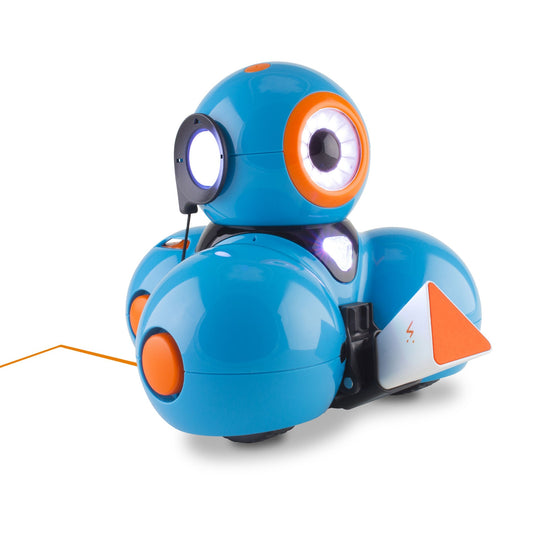
Sketch Kit
Regular price $44.99 USDRegular priceUnit price per -
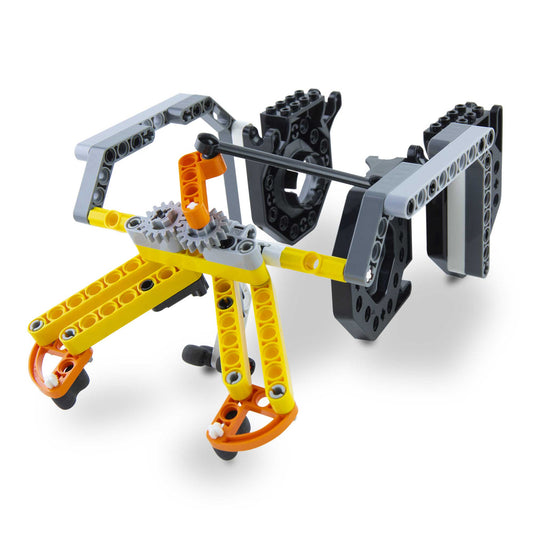
Gripper Building Kit
Regular price $44.99 USDRegular priceUnit price per -
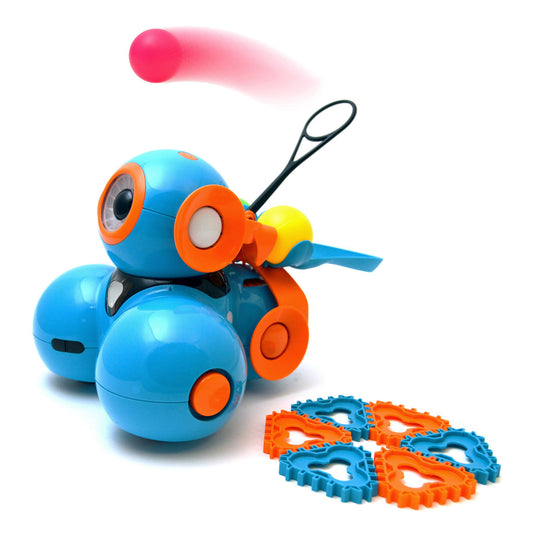
Launcher for Dash
Regular price $34.99 USDRegular priceUnit price per -
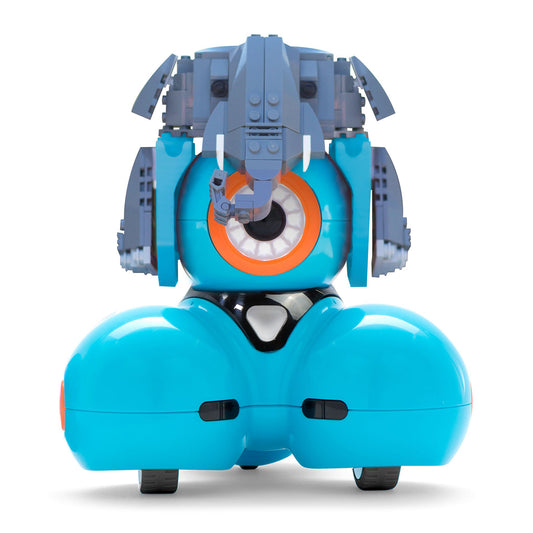
Building Brick Connectors
Regular price $19.99 USDRegular priceUnit price per -
Marker Refill Kit
Regular price $14.99 USDRegular priceUnit price per -

 Sale
SaleDash 12-Pack
Regular price $1,895.00 USDRegular priceUnit price per$2,279.98 USDSale price $1,895.00 USDSale -
Make Wonder STEM Home
Regular price $99.00 USDRegular priceUnit price per$125.00 USDSale price $99.00 USDSale -
Make Wonder STEM Classroom
Regular price From $199.00 USDRegular priceUnit price per -
Make Wonder STEM Center
Regular price From $1,495.00 USDRegular priceUnit price per -
Make Wonder STEM School
Regular price From $2,495.00 USDRegular priceUnit price per -
Make Wonder STEM Center with Dash
Regular price From $2,195.00 USDRegular priceUnit price per -
Make Wonder STEM Center Starter Suite
Regular price From $1,995.00 USDRegular priceUnit price per -
Make Wonder STEM Center Suite
Regular price From $2,995.00 USDRegular priceUnit price per -
Make Wonder STEM School Suite
Regular price From $3,995.00 USDRegular priceUnit price per